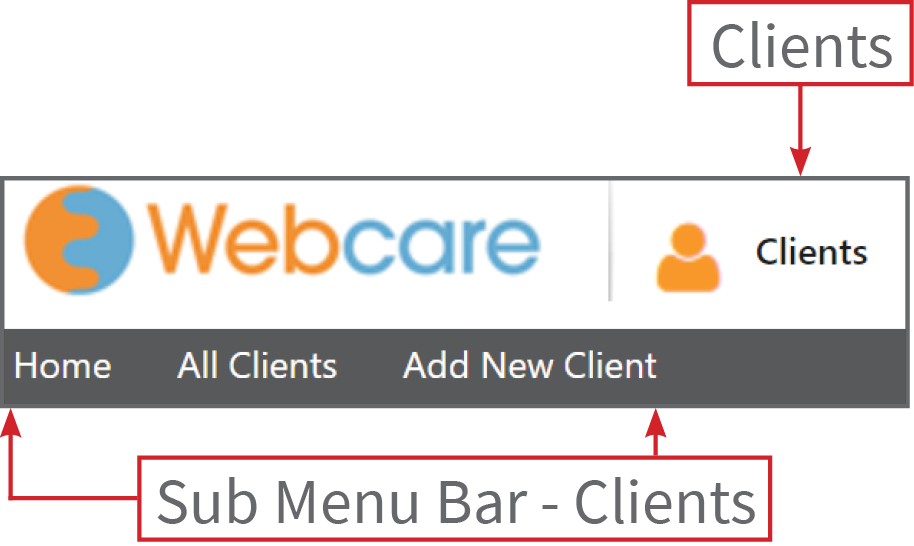
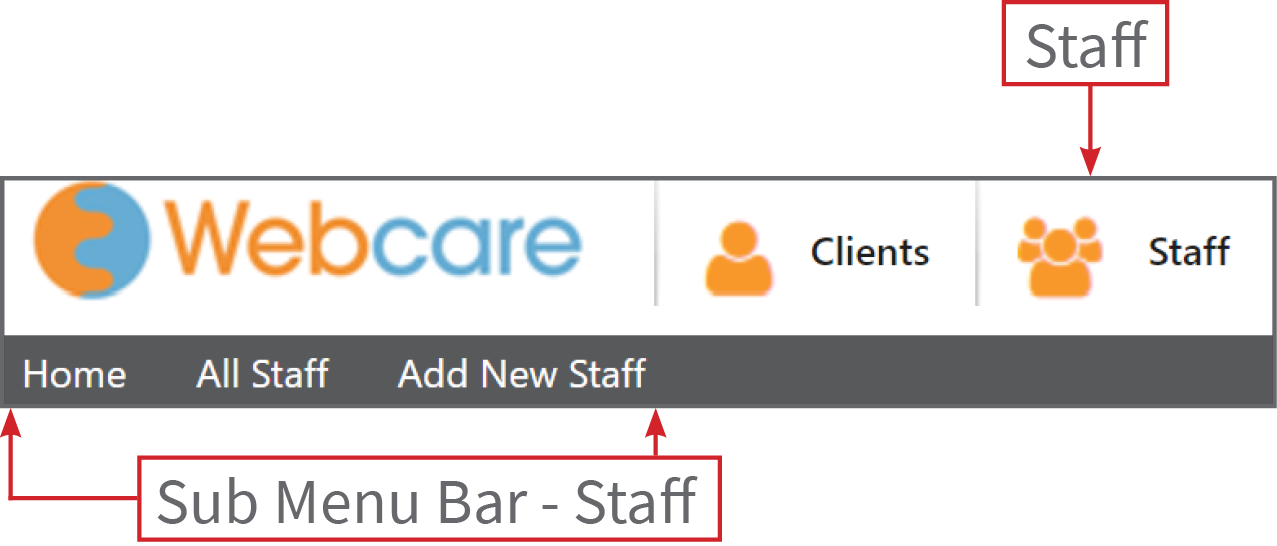
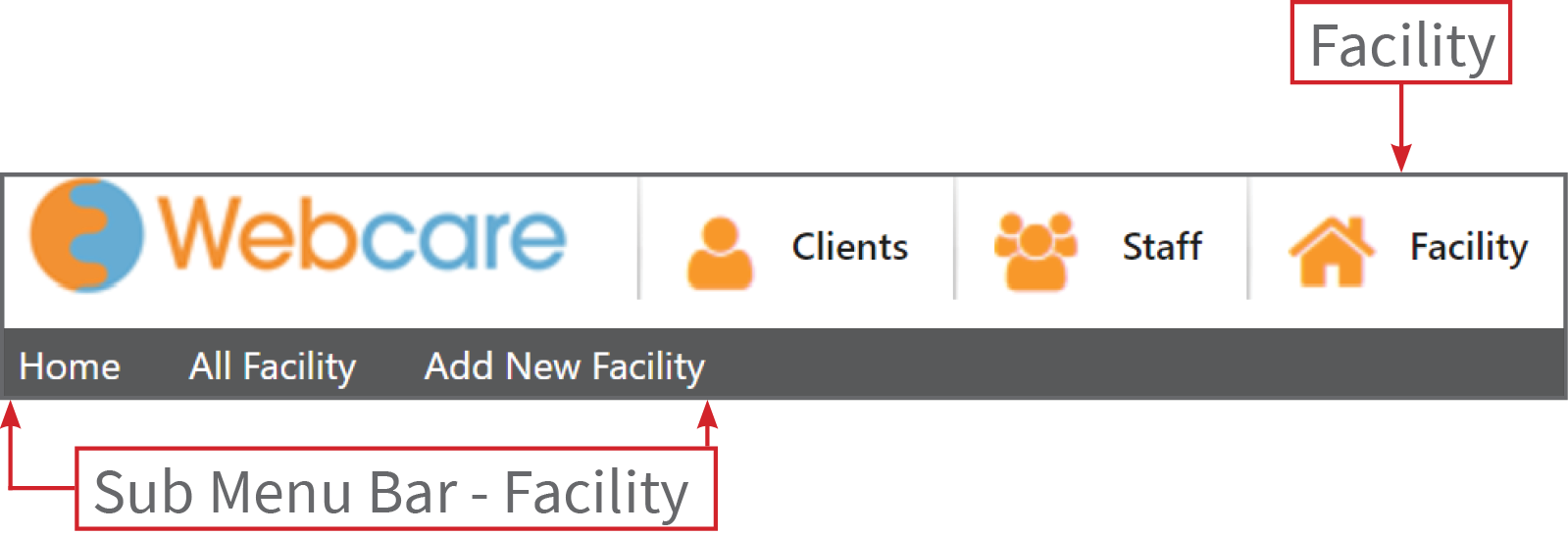
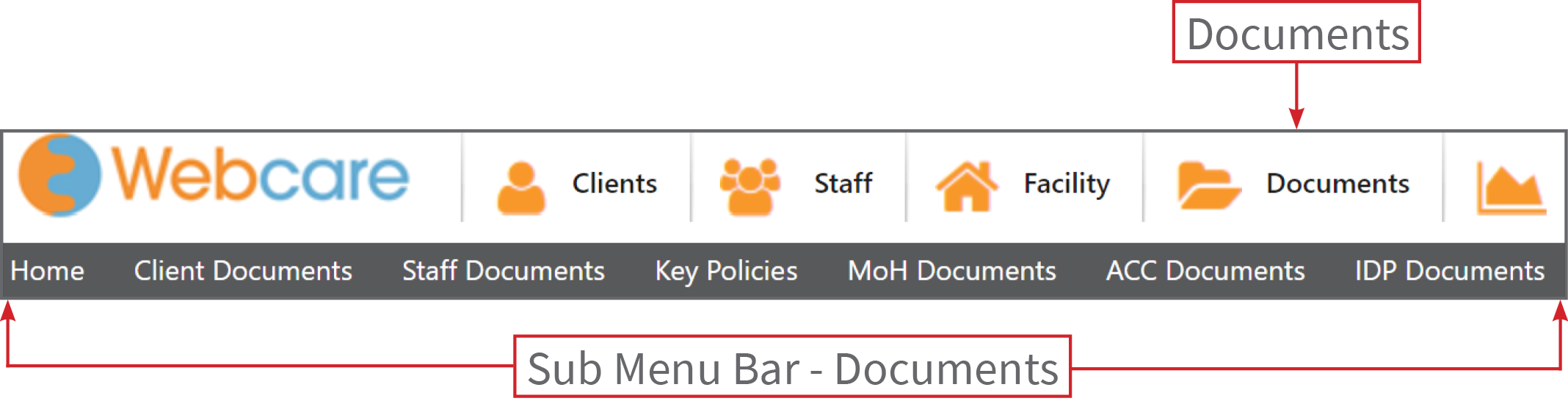
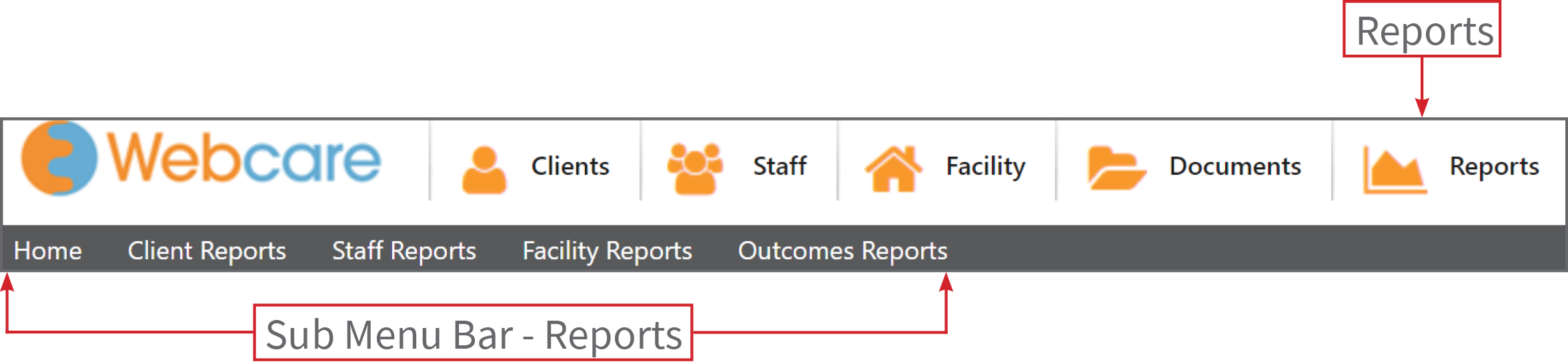
The items in the menubar (such as Clients, Staff, Documents, Reports and Team Building) will remain consistent across all screens, while the items in the submenubar will change with context to the menubar.
For instance, the home page has submenus: Home, All Clients, All Staff, All Documents, Reports, Team Building and Administration.
If the Client menubar is clicked, then the submenu bar changes to:
If the Staff menubar is clicked, then the submenu bar changes to:
If the Facilitys menubar is clicked, then the submenu bar changes to:
If the Documents menubar is clicked, then the submenu bar changes to:
If the Reports menubar is clicked, then the submenu bar changes to:
If the Team Building menubar is clicked, then the submenu bar changes to: