
The quickest way to add a new Staff is to:
Select Staff from the menu bar, then select Add New Staff (1) from the submenu bar. A New Staff window is displayed.
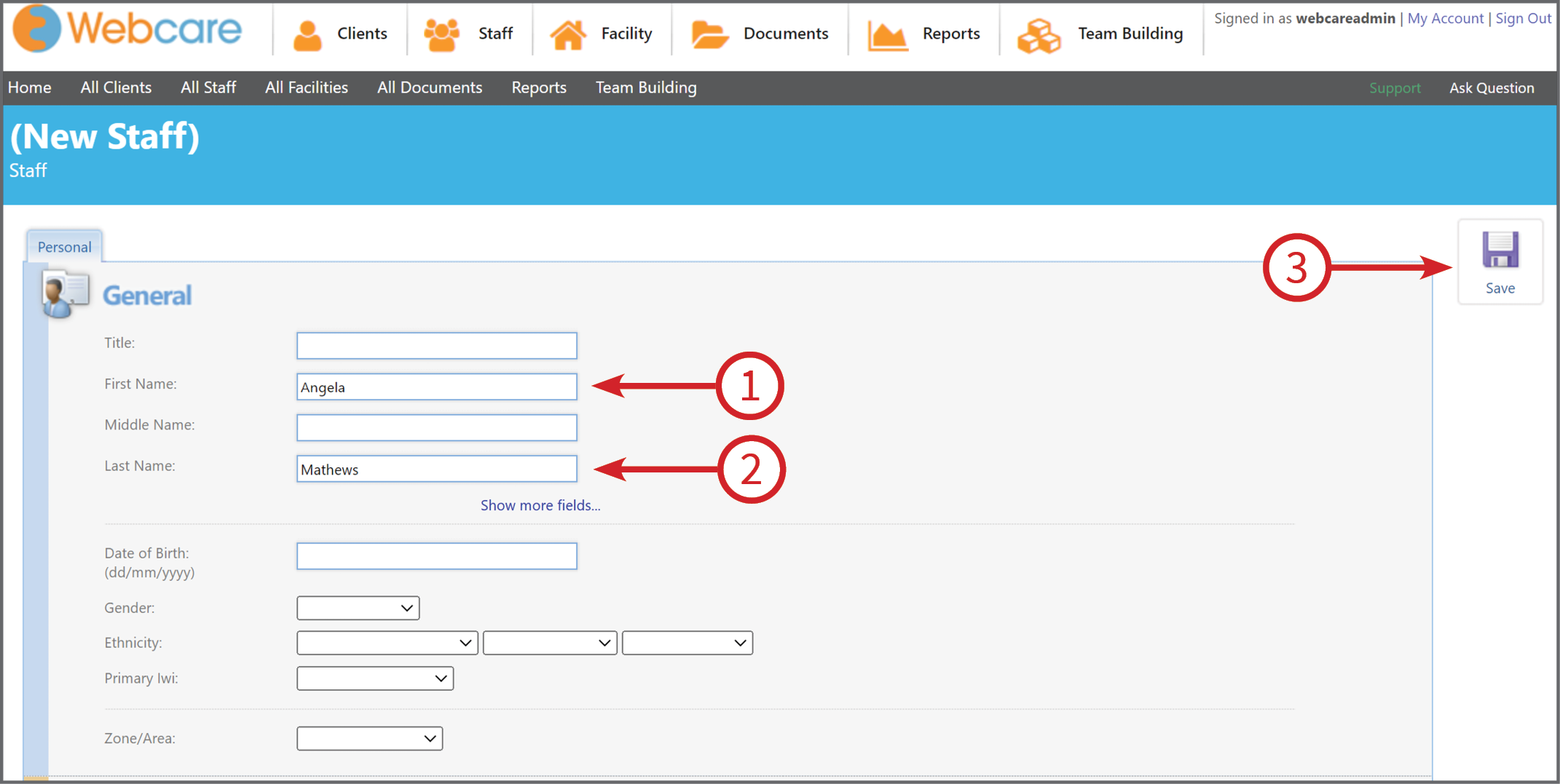
Under Personal tab, add First Name (1) and Last Name (2), and click Save (3) button.
The new Staff will be created with all the tabs and advanced notes.
Optional
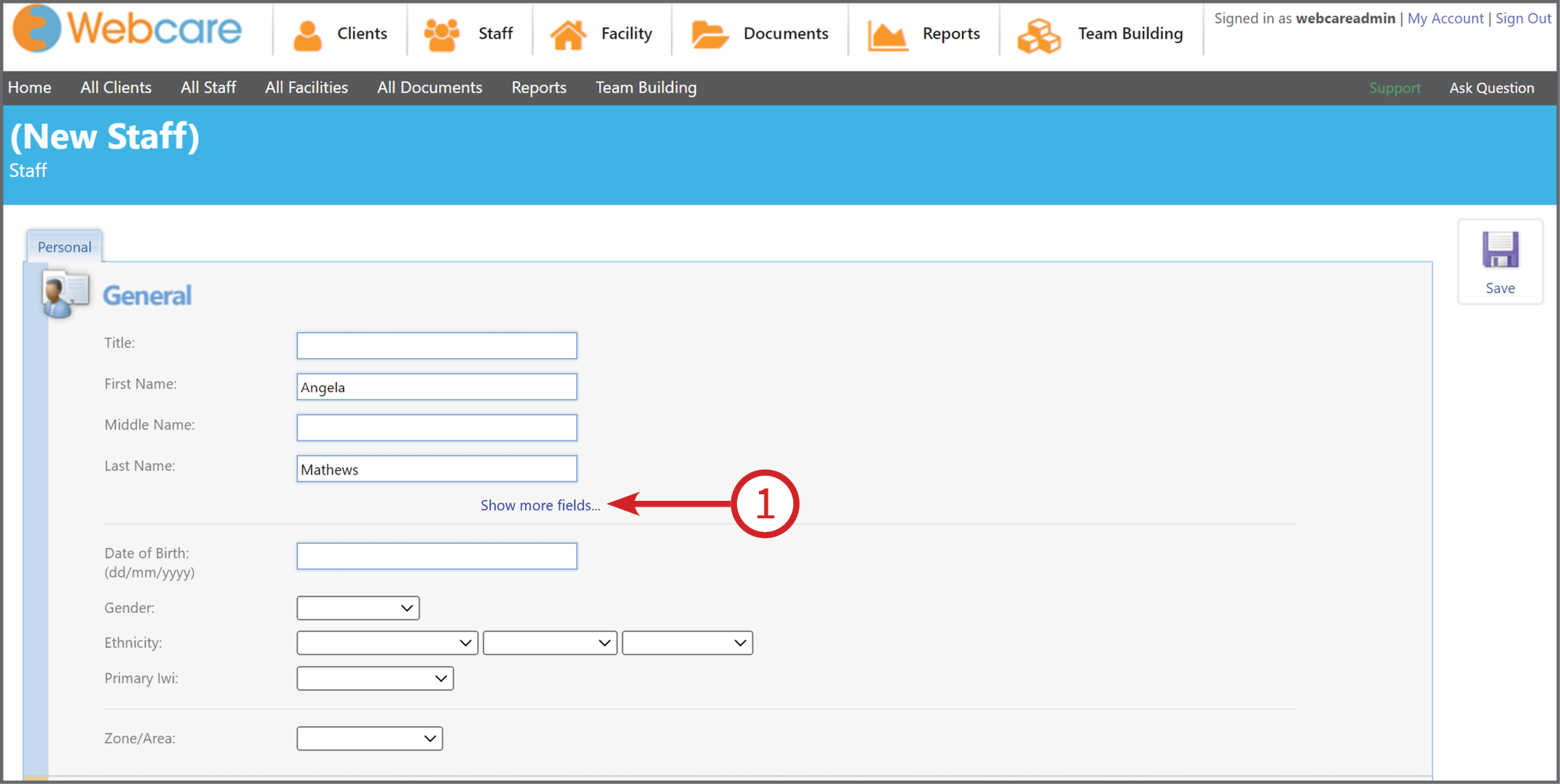
While creating a new Staff, you can also add more fields. To add fields such as Suffix, Other Name, Known As, Alias, click Show more fields…
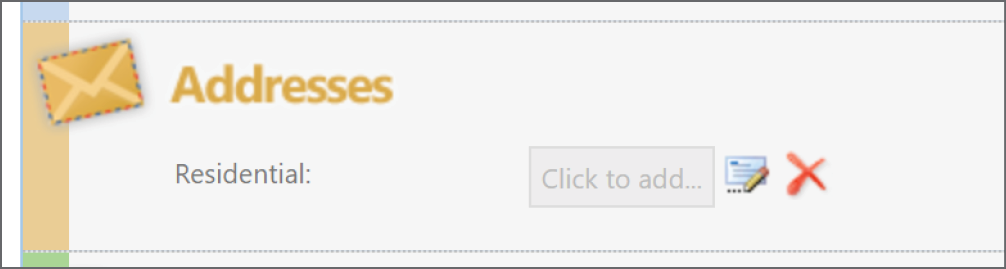
To add address, click Click to add… under Addresses section, and add respective address fields. Then press Save to save the address, and press Save on right side (refer to number 3 above, under Personal tab snapshot)
The new Staff will be created with all the tabs and advanced notes.