The quickest way to add a new Facility is to:
Select Facility (1) from the menu bar, then select Add New Facility (2) from the sub menu bar (where is menubar? and what is a submenubar?).
A New Facility window is displayed.
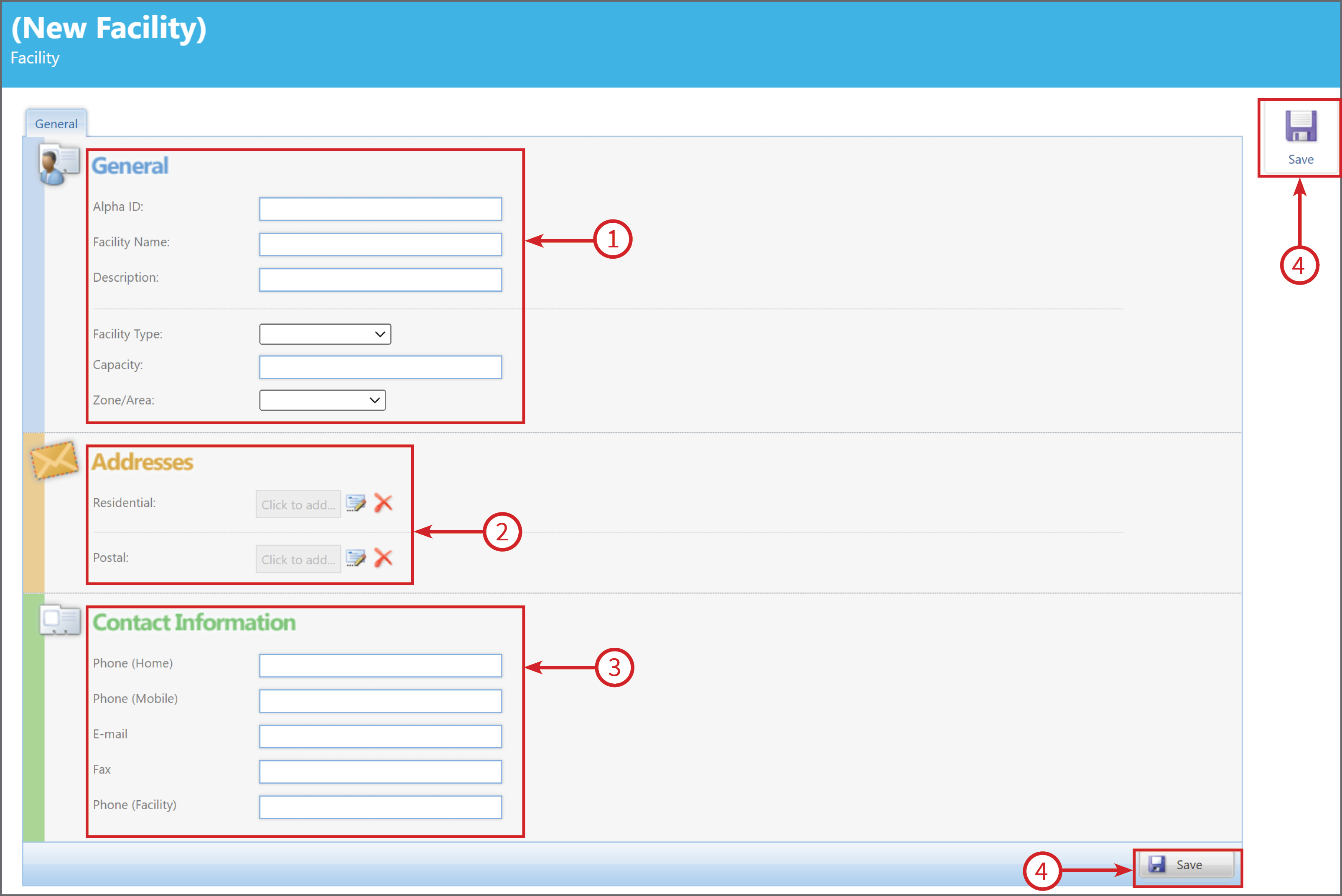
Enter all the relevant information:
- General - Here you enter the Facility information
- Address - Click on the Click to Add buttons, to add the Residential and/or Postal addresses.
- Contact Information - Fill in the relevant fields
- Save - There are two Save buttons, click either one to save the new Facility
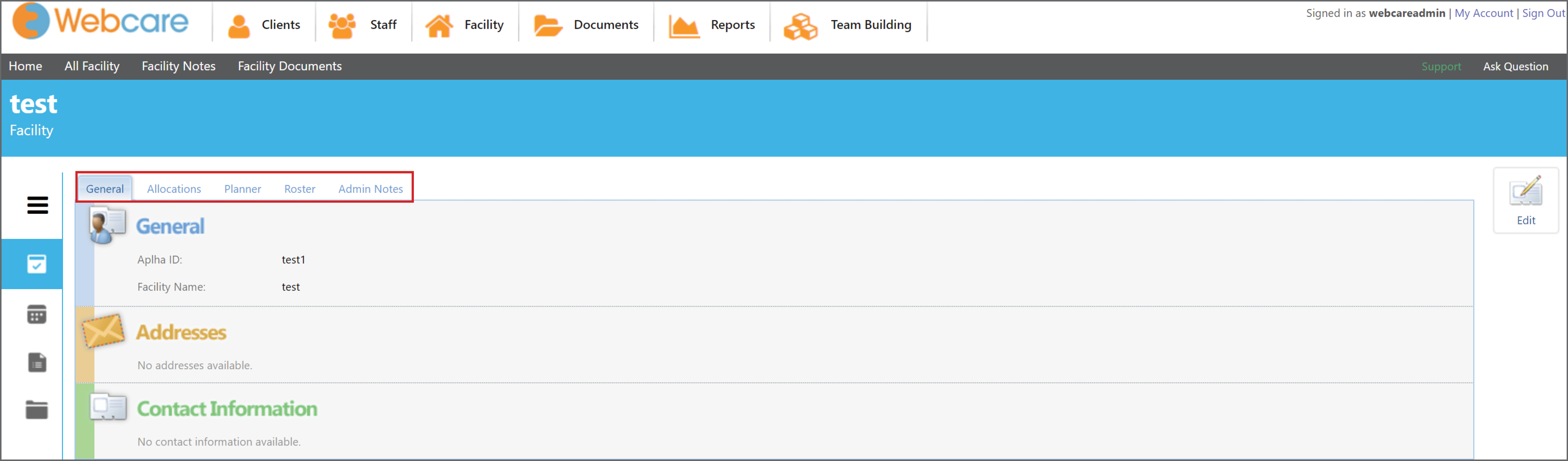
Once you have saved the New Facility, other tabs will appear.
General, Allocations, Planner, Roster and Admin Notes.