
To Archive a Staff Member
Click on Staff (1) from the menu bar, then select the Staff member (2) you wish to archive.Click on the Edit button (1) (if you do not have the option to do this, please see your supervisor who will have access). Selecting the edit button will bring up the option to edit staff information and will also bring up the option to Archive.
Click on the Archive button (1) on the right of the screen.
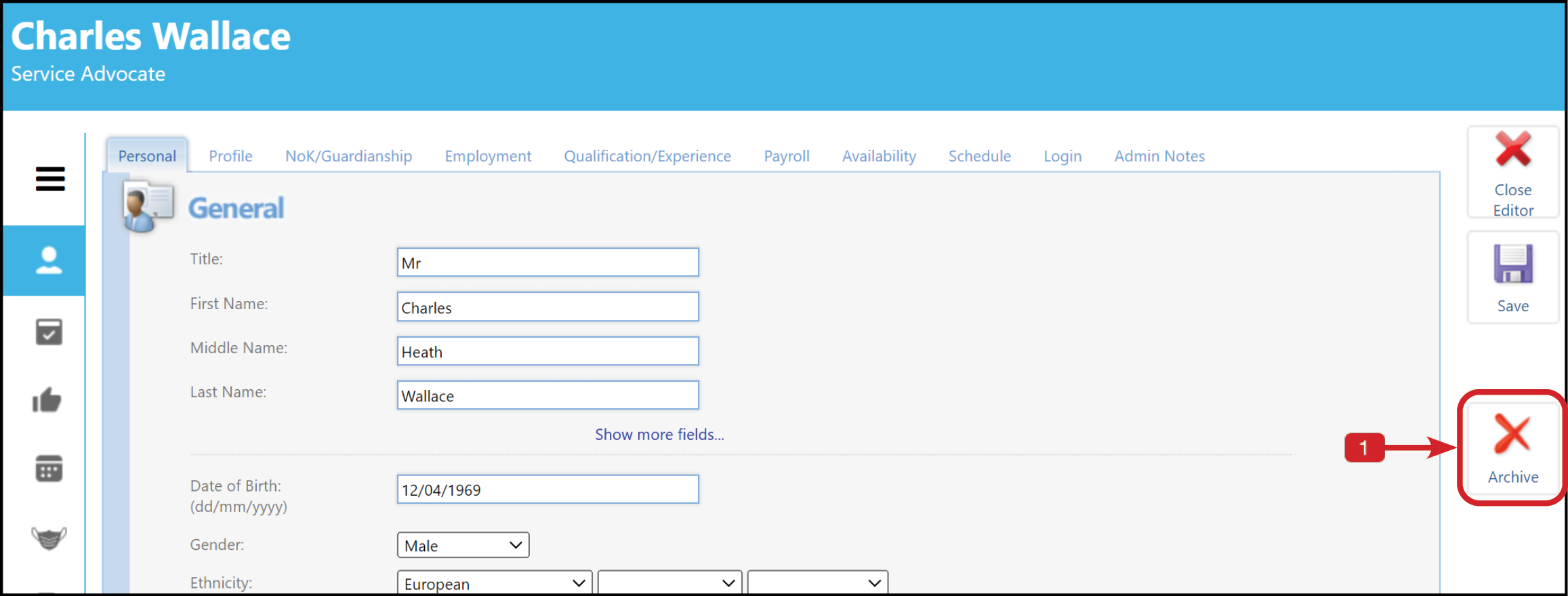
Click on the Archive button (1) on the right of the screen.
Once you have selected this option press OK to save.
The Staff profile will now state that the record has been archived.
To recover the staff record, you can either click on Recover this record in the profile, or go to the Archived Staff list in Administration. Find the article here.